
Why Software Affects Laptop Battery Life More Than Hardware
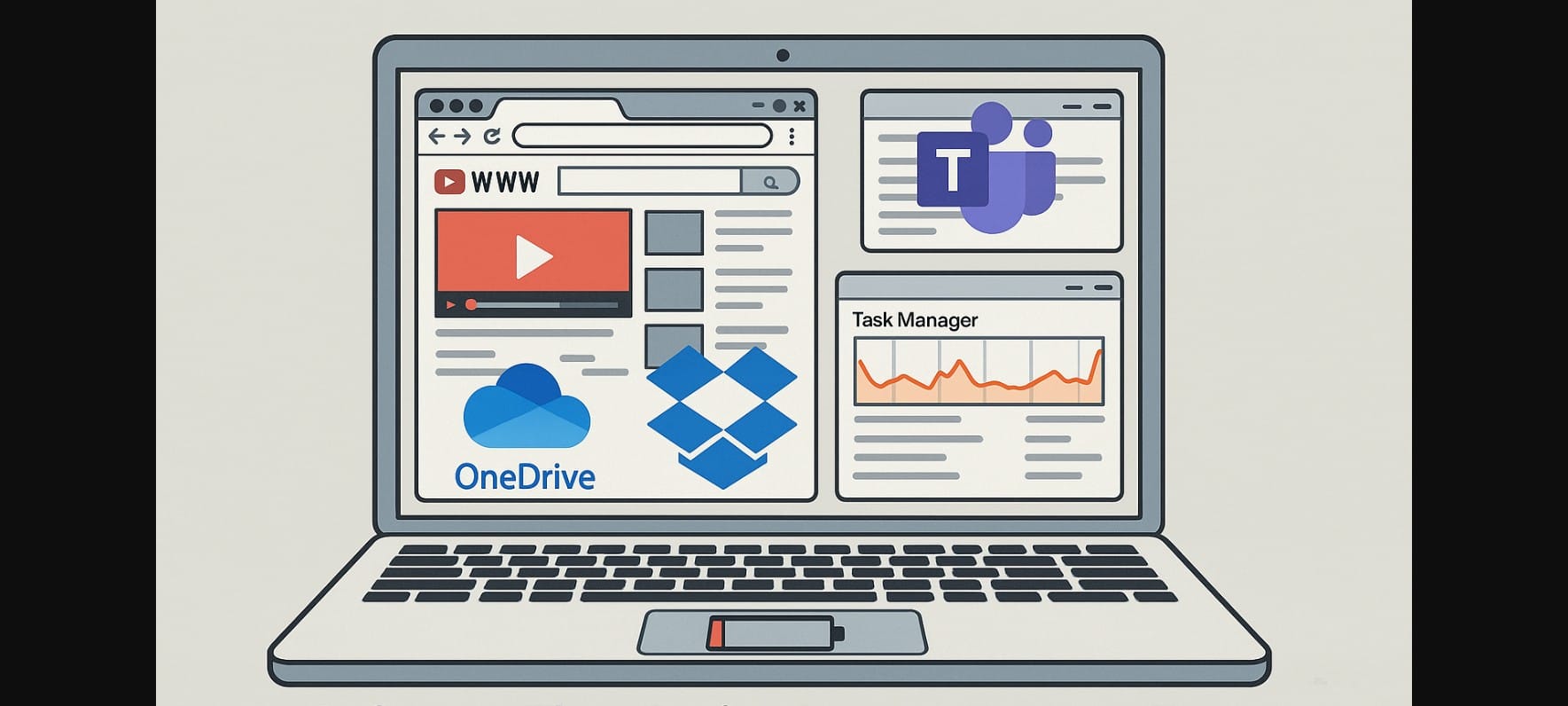
In India, even budget laptops come with reasonably efficient processors and low-power displays. But despite this, many users experience poor battery backup not because of the hardware, but due to how the software is used.
Apps that run in the background, use unnecessary CPU cycles, or stay active while idle quietly consume power. The hardware is capable but the battery suffers when inefficient apps are left unchecked.
1. Heavy Software That Rapidly Drains Battery
Browser-Based Tools (Chrome, Edge, Brave) with Dozens of Tabs Open
Modern browsers are resource-heavy.
Each open tab runs scripts, video ads, trackers, and sometimes background audio.
Chrome in particular consumes more CPU and RAM and:
- Extensions like Grammarly, VPN plugins, and password managers add constant background activity
- Auto-refreshing tabs and video ads spike power usage
Microsoft Teams, Zoom, and Background Video Calls
These apps activate your:
- Microphone
- Webcam
- Background sync and notifications
Even when you mute yourself or minimize the app, it can consume 10-15% of battery per hour especially in long Indian meetings or online classes.
Auto-Start Sync Apps (OneDrive, Dropbox, Google Drive)
These apps:
- Sync large files
- Rescan folders
- Run even when minimized
If your network is weak (common in rural or tier-2 towns), they retry frequently using more battery with less success.
2. Laptop Usage Patterns That Make Battery Drain Worse
Keeping Everything Open All Day While Plugged In
In many homes and offices, laptops remain on:
- 20+ browser tabs
- 3-4 documents
- Music player
- Excel sheets
- Communication apps
While this feels efficient, it builds up background load that spikes CPU and RAM usage all of which drain battery the moment the charger is unplugged.
Watching High-Resolution Video While Charging
If you’re binge-watching 4K video or streaming YouTube while plugged in:
- GPU gets activated
- Display brightness increases
- Fan kicks in to handle heat
This constant heat plus full charging reduces battery efficiency over time.
Running Antivirus + Windows Defender + Auto Updates Together
Many Indian users run a third-party antivirus alongside Windows Defender.
This means:
- Two scans
- Two background engines
- Frequent update checks
This layered protection quietly costs battery life, especially during idle time.
3. How to Spot Which Apps Are Killing Your Battery
Use Task Manager or Activity Monitor to Track Power Usage
In Windows, right-click your taskbar – Task Manager – enable “Power usage” and “Power trend” columns.
You’ll see which apps consistently draw power even when not active.
In macOS, go to Activity Monitor – Energy tab – sort by “Energy Impact” to find the worst offenders.
Check Background Apps Allowed to Run on Battery
In Windows 11:
- Go to Settings – System – Power – Battery usage by app
- Review what’s allowed to run in the background disable what’s unnecessary
Run Battery Report After a Typical Workday
Use the command powercfg /batteryreport in Windows.
It shows:
- Usage history
- Battery capacity loss
- Drain rate during active and idle use
This helps you diagnose hidden drains over time.
4. Smarter Software Settings That Save Battery
Switch Browsers or Use Reader Mode for News, PDFs, Articles
- Firefox or Safari use less power than Chrome, especially on battery
- Reader Mode removes scripts, videos, and extra visuals
- Great for reading articles or study materials on battery
Limit Background App Permissions When Using Battery
- Pause cloud sync when working on inverter or hotspot
- Disable email auto-sync, app notifications, and calendar reminders if not urgent
- Especially useful when traveling or attending class without access to power
Set App Profiles or Graphics Preference in Brand Software
Laptop makers offer power settings:
- Lenovo Vantage
- Dell Power Manager
- ASUS MyASUS
Use them to assign apps to integrated graphics or low-power CPU mode.
This reduces battery load from document work or browsing.
5. Fix Software Drains
Most laptop battery drain issues are caused by:
- Too many apps running
- Poor browser habits
- Unchecked background activity
- Heavy video usage during charging
By tracking power usage, disabling wasteful software, and switching to lighter tools, users can easily extend battery runtime by 1-2 hours daily.

